Video hoạt ảnh vector phẳng — phong cách Vector phẳng
Tạo video hoạt ảnh vector phẳng: một nhân vật đơn giản trên nền xanh đêm, phụ đề lớn và dấu thời gian. Phong cách miễn phí cho hướng dẫn và mẹo sức khỏe.
Trong gói miễn phí: 3 video mỗi tháng có hình mờ · bản xem trước được render bởi engine ClipOnIt
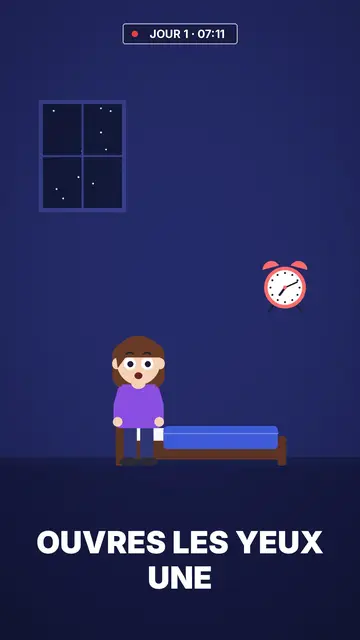
Phong cách này trông như thế nào
Flat vector draws in solid colour with no outlines at all: a simple character with big round white eyes, in an uncluttered room or outdoors at night. The midnight blue background holds for the whole video, which makes the character and the few objects around it stand out. Shapes are smooth and rounded, like the illustrations you see on app websites and in public health campaigns.
Captions are big, white and in capitals at the bottom of the screen; the next word shows ghosted and the keyword turns yellow. At the top, a timestamp like “DAY 1 · 07:12” with a blinking red dot gives viewers a thread to follow, ideal for a routine or a multi-day challenge. Titles are set in underlined white and yellow capitals, and scenes cross-fade into each other.
Các chủ đề phù hợp
Avoid: topics that need many different objects or specific places (history, geography, mechanics): the style's library is short and centres on one character in a few sets. For those topics, pick Pixel News or a 3D style, whose libraries are much larger.
- Step-by-step tutorialsOne character, one action per scene, one big caption: every step reads without effort.
- Health and sleepThe midnight blue bedroom and the timestamp show a routine hour by hour, without medical imagery.
- Wellbeing and habitsThe day counter follows a thirty-day challenge or a habit being built.
- Seasonal topicsA pumpkin, a ghost and a moon exist in the night set, for a Halloween or winter video.
Ý tưởng video theo phong cách này
- What happens if you sleep six hours
The timestamp runs from 23:00 to 07:00 while the character tosses in bed, then the alarm.
- Drinking water for seven days
“DAY 1” to “DAY 7”: one scene per day and what the body notices.
- Setting up an app in three taps
The character holds a phone, each tap gets its caption and its yellow word.
- Why we fear the dark
Outdoors at night, a moon, a ghost that turns out to be nothing: a short explainer for Halloween.
Chỉ cần 1 cú nhấp
- Mở liên kết của phong cách này
Nút “Tạo video theo phong cách này” mở trình chỉnh sửa với phong cách này đã được chọn sẵn. Không có tài khoản thì đăng ký chỉ mất một phút và không cần thẻ.
- Viết chủ đề của bạn trong một câu
Một ý tưởng là đủ. Bạn cũng có thể dán văn bản hoặc, từ Starter, đọc to vào micro: video sẽ được xây dựng theo giọng của bạn.
- Xem lại rồi xuất video
AI viết các cảnh, chọn các thành phần của phong cách và canh thời gian theo từng lời, kèm giọng nói và phụ đề. Bạn chỉnh những gì chưa ổn, rồi file MP4 dọc sẽ sẵn sàng trong vài phút.
Bạn có thể điều chỉnh gì
You change the timestamp text (day, time), the titles and their yellow words, each caption's keyword, the narration and each scene's length. You pick the set, room or night outdoors, move the character and objects, change the camera move, or ask for three variants of a scene. From Starter, your own voice and the AI Director, who takes tweaks when you speak to it.
Được vẽ theo phong cách này
29 phần tử trong thư viện, tìm kiếm theo ý nghĩa. Một vài trong số đó:
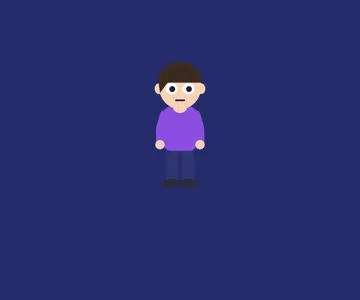 Nhân vật
 Thiết bị
 Dữ liệu
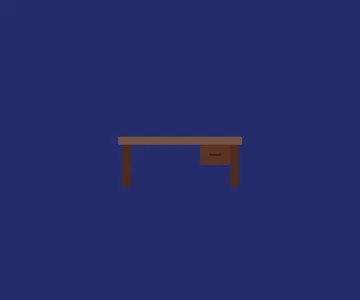 Bối cảnh
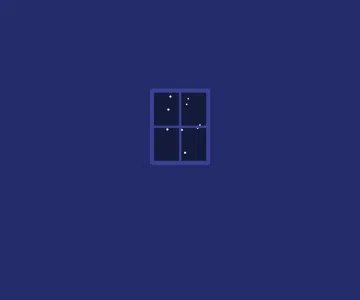 Giao diện
 Đồ vật
 Ẩm thực
 Flore
Frequently asked questions
Miễn phí hay không, đầu ra, công dụng: câu trả lời ngắn gọn.
What is a flat vector animation?
A video illustrated in solid colours, with no outlines or realistic shading, using simple rounded shapes. It is the look of app illustrations: clean, readable and easy to follow on a small screen.
Does it suit a product explainer video?
For showing a simple use (one person, a phone, a routine), yes. If your product has many screens or objects to show, a style with a bigger library will work better.
What is the timestamp at the top for?
It gives a marker in time: a day, an hour, a step. It works well for routines, multi-day challenges and hour-by-hour stories; you can also leave it empty.
Phong cách này có trong gói miễn phí không?
Có. Đây là một trong 8 kiểu trong gói miễn phí: 3 video mỗi tháng với hình mờ ClipOnIt, không cần thẻ tín dụng. Starter ($29/tháng) bỏ hình mờ, cho 15 video mỗi tháng và mở khóa cả 24 kiểu, cùng kiểu của riêng bạn.
Nếu bạn thích phong cách này
- Miễn phí
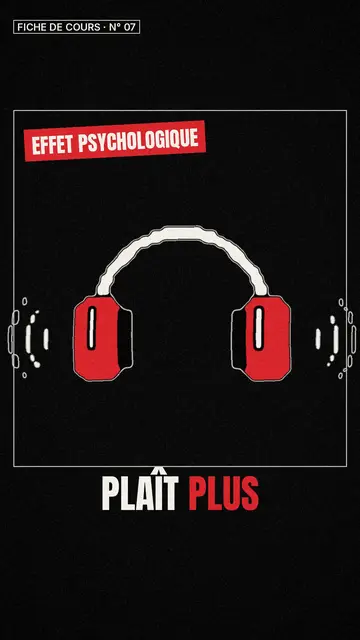
Whiteboard sketch video maker
Class sketch style · Lively black-and-white sketches with red accents.

Office cartoon animation video
Office toon style · Big-headed toon characters at the office or in the kitchen.
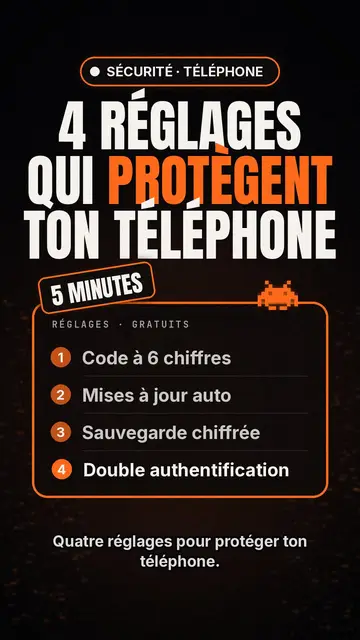
Tech top list video maker
Tech list style · Tech card on black, glowing badge, numbered list.
Ý tưởng của bạn, theo phong cách này
Viết một câu hoặc nói ra: phong cách đã được chọn sẵn khi bạn vào trình chỉnh sửa.